
Setlist Maker: Create Professional Setlists in Minutes
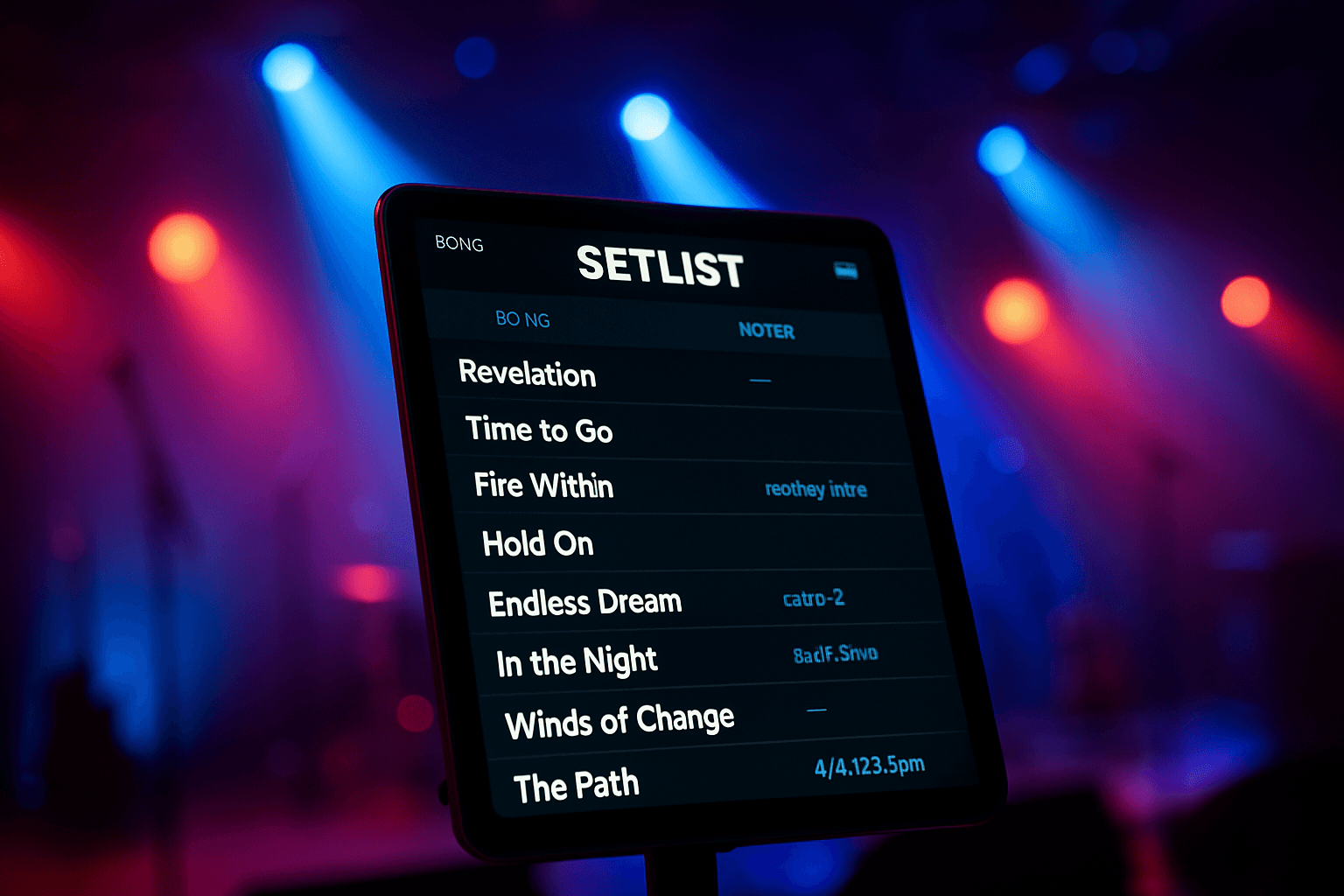
You're standing backstage at a wedding venue, frantically flipping through pages of crumpled setlists while your bandmates wait. The bride's "must-play" songs are scribbled on a napkin somewhere in your gig bag, and you're not even sure if everyone has the same version of tonight's running order. Sound familiar?
Paper setlists have been the industry standard for decades, but they're costing you time, creating confusion, and making you look less professional than you actually are. Between last-minute client requests, key changes for different vocalists, and the chaos of managing multiple gigs per week, there has to be a better way.
A setlist maker is a digital tool or app that allows musicians to create, organize, and access their performance setlists electronically across multiple devices. Modern setlist makers eliminate paper chaos by providing cloud-based storage, instant updates, and features like song notes, lyrics, charts, and client collaboration tools that keep your entire band synchronized.
Why Digital Setlist Makers Are Essential for Working Musicians in 2026
The music industry has evolved dramatically over the past few years, and the expectations placed on function bands and wedding musicians have never been higher. Clients want customized experiences, venues demand professionalism, and your competition is using technology to deliver both.
According to research from the Music Trades Association, over 73% of professional gigging musicians have adopted some form of digital performance tools as of 2026. The shift isn't just about looking modern—it's about working smarter.
Paper setlists create tangible problems that eat into your preparation time and on-stage performance:
- Version control nightmares: Band members show up with different versions of the setlist
- Last-minute changes: Clients request song swaps hours before the gig, requiring reprints
- Lost notes: Critical information about intros, endings, or special arrangements gets misplaced
- Weather vulnerabilities: Outdoor gigs mean wind-blown pages and rain-damaged charts
- Accessibility issues: You need good lighting to read small print on paper
- Environmental waste: Printing multiple copies for every gig adds up quickly
A quality digital setlist maker solves all these issues while adding powerful features that paper simply can't match.
Core Features Every Setlist Maker Should Have
Not all setlist maker apps are created equal. When you're evaluating options for your band, you need to look beyond basic list-making functionality. Here's what separates professional-grade tools from glorified note-taking apps:
Cloud Synchronization
Your setlists should be accessible from any device at any time. Whether you're using a tablet on stage, your phone during rehearsal, or your laptop for planning, everything should stay in perfect sync. Changes made on one device should instantly appear everywhere else.
Song Library Management
A proper set list creator needs robust song database functionality. You should be able to store unlimited songs with detailed information including:
- Original artist and recording details
- Your band's arrangement notes
- Key and tempo information
- Duration for timing your sets
- Tags and categories for quick filtering
Integrated Charts and Lyrics
The best setlist maker app will let you attach chord charts, lead sheets, and lyrics directly to each song. No more juggling separate apps or physical binders—everything lives in one centralized location.
Client Collaboration Tools
For wedding and function bands, client input is crucial. Look for platforms that offer client-facing portals where couples or event planners can browse your repertoire and build their dream setlist without endless email chains.
Spotify Integration
Many clients communicate their preferences through Spotify playlists. Modern set list maker tools can import songs directly from Spotify, automatically populating your database and saving hours of manual data entry.
Transposition Capabilities
Different vocalists, different keys. If you're working with charts, instant transposition features are invaluable for accommodating guest singers or adapting songs to your band's range.
How to Create Digital Setlists: Step-by-Step Guide
Ready to make the transition? Here's how to create a digital setlist workflow that will transform your band's organization:
Step 1: Build Your Master Song Library
Start by cataloging every song your band can perform. This one-time investment pays dividends immediately:
- List all songs in your current repertoire
- Add key details: original artist, your performance key, tempo, duration
- Upload any charts, lyrics, or arrangement notes you have
- Tag songs by genre, era, energy level, or client type
- Note any special requirements (extended intro, specific ending, etc.)
If you're using a platform like Setlix, you can import songs directly from your Spotify practice playlists, which dramatically speeds up this process.
Step 2: Create Your First Digital Setlist
Once your library is established, building individual setlists becomes remarkably fast:
- Name your setlist with the gig details (venue, date, client name)
- Drag and drop songs from your library into the running order
- Organize songs into sets (typically 45-60 minutes per set)
- Add transition notes between songs if needed
- Calculate total running time to ensure you meet contracted performance length
Step 3: Share with Your Band
Collaboration is where digital tools truly shine:
- Grant access to all band members through the platform
- Everyone receives automatic updates when changes occur
- Musicians can add their own private notes without affecting others' views
- Use commenting features to discuss song arrangements or concerns
Step 4: Optimize for Performance
Your setlist maker app should work seamlessly during the gig itself:
- Enable offline mode so you're not dependent on venue WiFi
- Adjust display settings for optimal readability in various lighting conditions
- Practice navigating between songs using your performance device
- Have a backup plan (charged devices, backup tablet) just in case
Step 5: Refine After Each Gig
The best bands constantly evolve their setlists based on real-world performance:
- Note which songs got the best crowd response
- Identify awkward transitions that need smoothing
- Update timing information based on actual performance duration
- Add new songs to fill gaps you discovered
- Remove underperforming material from your active repertoire
Why Setlix Is the Ultimate Setlist Maker for Function Bands
While several setlist maker options exist, Setlix was specifically designed with gigging musicians in mind. Unlike generic note-taking apps or stage-display software, it addresses the complete workflow that function and wedding bands face.
Unlimited Everything
Many platforms restrict you to a limited number of songs or setlists on their free plans. Setlix offers unlimited setlists and songs, recognizing that working musicians have extensive repertoires and perform multiple gigs per week.
Client Setlist Builder
This is where Setlix separates itself from competitors. Your clients can log into a dedicated portal, browse your entire song catalog (complete with Spotify previews if desired), and build their dream setlist themselves. This eliminates the back-and-forth communication that typically consumes hours of your time.
For wedding bands, this feature alone justifies the investment. Couples can collaborate with each other, share the link with their wedding planner, and finalize their music selections without a single phone call.
Interactive Score Viewer
If you work with charts, Setlix's score viewer is a game-changer. Pull up any chart, and with a single tap, transpose it to any key. This is perfect when:
- A guest vocalist needs a different key than your usual singer
- You're teaching a new song to band members who read in different transpositions
- A client requests a song in a specific key to match a special performance
Device Flexibility
Setlix works on tablets, phones, and computers. Use a tablet on stage, plan on your laptop at home, and make quick edits from your phone while traveling between gigs. Everything stays synchronized through the cloud.
Real-World Benefits: What Changes When You Go Digital
The transition to a digital setlist maker delivers immediate, tangible improvements to your gigging workflow:
Time Savings
Function bands using digital setlist tools report saving 3-5 hours per week on administrative tasks. That's time previously spent printing, coordinating, and communicating about setlists that you can now invest in rehearsal, marketing, or actual performance.
Professional Image
When you show up with tablets displaying perfectly organized setlists, clients notice. When you can instantly accommodate a last-minute song request by pulling up the chart on your device, you demonstrate preparedness and flexibility that paper can't match.
Reduced Errors
Everyone working from the same synchronized setlist means fewer missed cues, wrong keys, or confusion about song order. Your performances become tighter and more professional.
Environmental Impact
A typical function band playing 50 gigs per year with 5 members prints approximately 1,000 pages annually just for setlists. Going digital eliminates this waste entirely while also reducing costs.
Better Client Relationships
When clients can actively participate in building their setlist through a user-friendly interface, they feel more connected to the process. This leads to higher satisfaction, better reviews, and more referrals.
Making the Transition: Tips for Adopting a Setlist Maker
Change can be challenging, especially if your band has used paper setlists for years. Here's how to smooth the transition:
Start Gradually
You don't need to go fully digital overnight. Start by creating digital versions of your most-used setlists while still printing backups. As your confidence grows, you'll naturally rely less on paper.
Get Buy-In from All Members
Schedule a band meeting to discuss the change and demonstrate how to make a setlist using your chosen platform. Address concerns about technology, and emphasize the benefits everyone will experience.
Invest in Proper Devices
If band members don't have tablets, consider investing in one for the group or helping members purchase their own. A basic tablet sufficient for displaying setlists costs less than $150 in 2026—a minimal investment compared to the benefits.
Plan for Contingencies
Always have fully charged devices, consider backup battery packs, and enable offline mode before each gig. The goal is to make digital setlists as reliable as paper—and then more reliable through redundancy.
Collect Feedback
After your first few digital gigs, discuss what's working and what needs adjustment. Some bands tweak display settings, others reorganize how they tag songs in their library. Continuous improvement leads to a system that works perfectly for your specific needs.
Beyond Basic Setlists: Advanced Features to Explore
Once you've mastered the fundamentals of how to create digital setlists, explore advanced features that further streamline your workflow:
Smart Setlist Building
Some platforms offer suggestions based on your past successful setlists, helping you build crowd-pleasing running orders faster.
Analytics and Reporting
Track which songs you perform most frequently, identify gaps in your repertoire, and make data-driven decisions about what to learn next.
Integration with Other Tools
Connect your setlist maker with backing tracks, lighting control systems, or other performance technology for a completely synchronized show.
Customizable Views
Different band members need different information. Vocalists might want lyrics front and center, while instrumentalists prioritize chord charts. Quality platforms let each user customize their view.
Choosing the Right Setlist Maker for Your Band
While Setlix offers comprehensive features designed specifically for function bands, the right choice depends on your specific needs:
For wedding and function bands who need client collaboration tools and extensive repertoire management, look for platforms offering unlimited storage, client portals, and professional features like Setlix provides.
For solo performers with smaller repertoires, simpler (often free) apps might suffice, though you'll likely outgrow them as your gigging career expands.
For bands with complex chart needs, prioritize platforms with robust score display and transposition features.
For budget-conscious musicians, consider that the time savings alone often justify modest subscription costs—your hourly rate as a musician likely exceeds the monthly platform fee after saving just 1-2 hours of admin work.
According to Statista's music industry data, professional musicians who invest in digital workflow tools report 27% higher annual income compared to those using traditional paper methods, largely due to the efficiency gains allowing them to book more gigs.
Taking Action: Your Next Steps
You now understand why a digital set list maker is essential and how to create digital setlists that transform your band's workflow. Here's what to do next:
- Audit your current process: Calculate how much time you currently spend creating, updating, and managing paper setlists each week
- Evaluate your needs: Determine which features matter most for your specific band and gig type
- Try before you commit: Most platforms, including Setlix, offer free trials—test the functionality with real setlists before making a decision
- Plan your migration: Block out time to build your initial song library (this is the biggest upfront investment)
- Train your band: Ensure everyone is comfortable with the new system before your first digital gig
The bands thriving in 2026's competitive function music market aren't just talented—they're organized, efficient, and professional in every aspect of their operation. Your setlist management is a visible representation of your professionalism, both to your band members and your clients.
Moving to a digital setlist maker isn't about following a trend; it's about working smarter so you can focus on what actually matters—delivering unforgettable performances that keep your calendar full.
Start with one setlist. Experience the difference when everyone in your band sees the same information, instantly updated, accessible anywhere. Experience how quickly you can accommodate a client's last-minute change. Experience the confidence of having your entire repertoire available at your fingertips.
That first digital setlist is the beginning of a more organized, more professional, and ultimately more successful gigging career.
Frequently Asked Questions
How do I make a set list digitally for free?
You can create basic digital setlists for free using simple tools like Google Docs, Evernote, or free note-taking apps. However, these lack music-specific features like song libraries, client collaboration, chart integration, and synchronization across devices. For serious gigging musicians, investing in a dedicated setlist maker app provides features that free generic tools simply can't match, ultimately saving time and improving professionalism.
What is the best setlist maker app for wedding bands?
The best setlist maker app for wedding bands must include client collaboration features, unlimited song storage, and reliable cross-device synchronization. Setlix specifically addresses wedding band needs with its client setlist builder that lets couples browse your repertoire and select songs themselves, eliminating hours of back-and-forth communication. The platform's Spotify integration and unlimited setlists make it ideal for bands juggling multiple wedding gigs simultaneously with different client requirements.
Can I use a setlist maker app offline during performances?
Yes, quality setlist maker apps include offline functionality so you're not dependent on venue WiFi during performances. Before each gig, ensure your setlists are downloaded to your device and offline mode is enabled. Your setlists, song notes, and charts remain fully accessible without internet connection, then automatically sync any changes once you're back online. Always arrive at venues early to download necessary data before connectivity becomes an issue.
How long does it take to set up a digital setlist system?
Initial setup typically takes 2-4 hours to build your master song library, depending on repertoire size. However, this is a one-time investment—once your library exists, creating individual setlists takes just 5-10 minutes compared to 30-45 minutes with paper methods. Most bands recoup their setup time investment within the first month through increased efficiency. Using features like Spotify import can reduce initial setup to under an hour.
Do all band members need their own accounts to access setlists?
Most professional setlist maker platforms allow you to share setlists with band members, though the access method varies by platform. Setlix and similar tools let you grant access to band members who can then view and interact with setlists on their own devices. Some bands operate with one account and share credentials, though individual accounts provide better security and allow personalized notes and settings for each musician without affecting others' views.