
Setlist Plugin: Integrate with Your Music Workflow
The Modern Musician's Integration Challenge
You've already got your Spotify playlists organized, your calendar synced across devices, and maybe even your invoicing automated. But when it comes to showtime, you're still juggling paper setlists, frantically searching through notebooks for chord charts, or squinting at poorly organized phone notes. Sound familiar?
The disconnect between your digital music workflow and your setlist management creates friction exactly when you need things to run smoothly—on stage. While the rest of your professional life lives in the cloud, your setlist system remains stubbornly analog, creating unnecessary stress and limiting your efficiency.
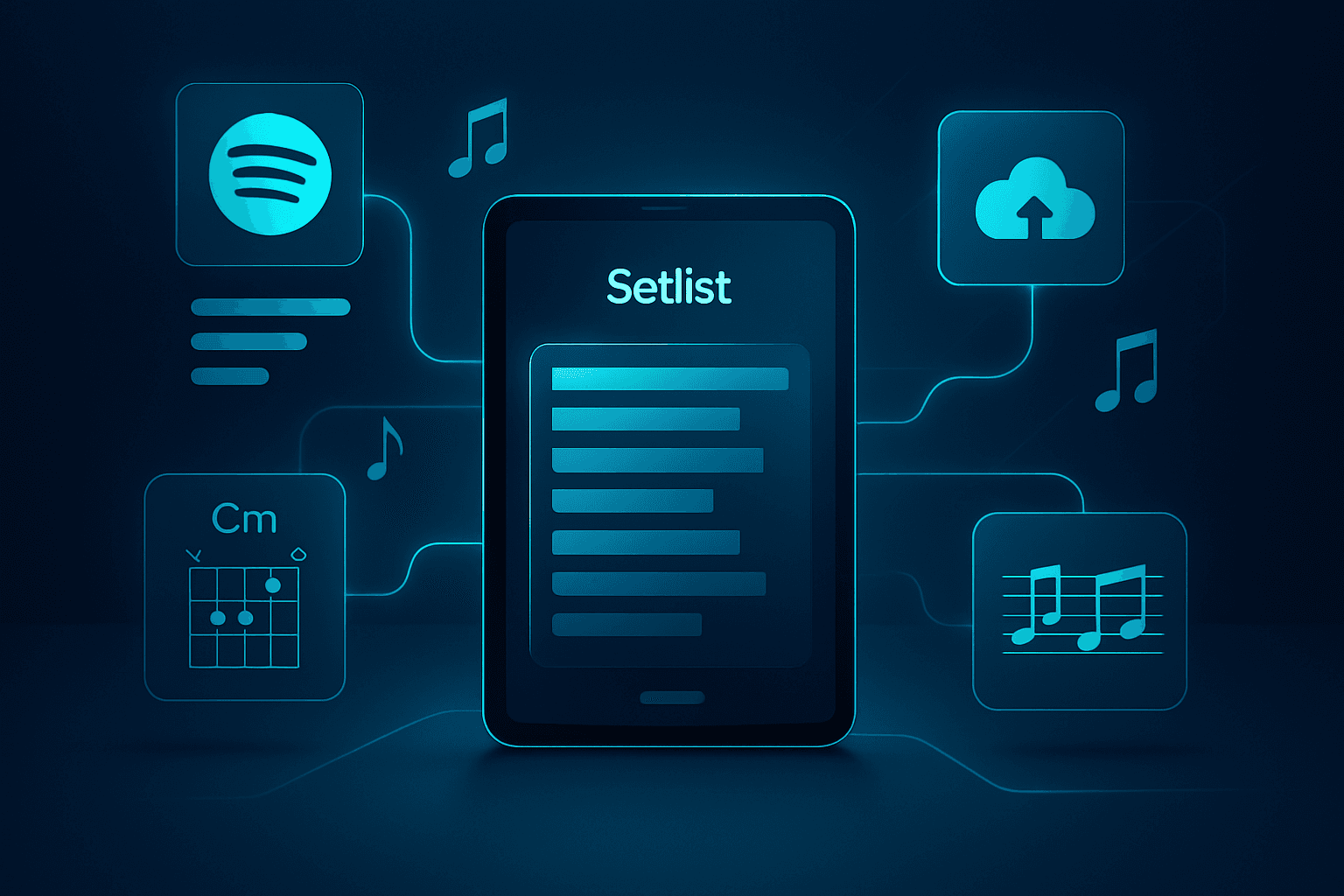
A setlist plugin approach means integrating your setlist management seamlessly with the tools you already use, from Spotify playlists to cloud storage systems. Modern setlist platforms like Setlix act as a central hub that connects your existing workflow, eliminating the need to maintain separate, disconnected systems for your live performance needs.
Why Traditional Setlist Tools Fall Short
Most gigging musicians have tried various solutions: paper binders that get dog-eared and disorganized, Word documents scattered across devices, or generic note-taking apps that weren't designed for live performance. These approaches share a common flaw—they exist in isolation from your broader music workflow.
When your setlist system doesn't integrate with your existing tools, you end up duplicating effort. You create a Spotify playlist for your client, then manually recreate that same list in your performance notes. You store chord charts in Dropbox but can't access them quickly from your setlist. You maintain separate systems for song lyrics, performance notes, and actual setlist orders.
This fragmentation costs you time during preparation and creates stress during performances. According to research from the University of California, Irvine, workers who are interrupted take an average of 23 minutes to return to their original task. For musicians, the constant switching between disconnected tools creates similar friction that impacts both preparation efficiency and stage confidence.
How Setlist Integration Actually Works
The setlists app approach transforms your performance preparation by creating a unified system that connects with your existing workflow. Rather than forcing you to abandon tools you already use, integration-focused platforms enhance them.
Spotify to Stage: The Direct Connection
One of the most powerful integrations available in 2026 is direct Spotify connectivity. Instead of manually typing out song names from your streaming playlists, platforms like Setlix allow you to import entire playlists with a single click. This isn't just about convenience—it eliminates transcription errors and ensures your performance library matches what clients hear when they preview your repertoire.
The workflow becomes remarkably simple: curate your band's repertoire on Spotify (something you're probably already doing for promotional purposes), then import those songs directly into your setlist management system. Any updates to your Spotify playlists can sync automatically, keeping your performance library current without double entry.
Cloud-Based Accessibility
True integration means your setlists and song materials live in the cloud, accessible from any device you might use during preparation or performance. Whether you're planning setlists on your laptop during the week, reviewing song notes on your tablet during rehearsal, or accessing charts on your phone during a gig, everything stays synchronized.
This multi-device approach reflects how musicians actually work in 2026. You might start building a setlist on your computer while checking your calendar and client emails, refine it on your tablet while sitting with your guitar, and then access it on your phone or tablet during the actual performance. Seamless sync across all these devices isn't a luxury—it's essential for modern gigging workflows.
Client Collaboration Features
Integration extends beyond your personal workflow to include client interactions. Modern setlist platforms include client-facing tools that let couples or event planners select songs from your available repertoire. This creates a seamless handoff from client preferences directly into your performance preparation, eliminating the back-and-forth emails trying to clarify song requests.
When a client selects songs through an integrated system, those choices flow directly into your setlist builder, complete with any notes, charts, or special arrangements you've associated with those songs. No manual transcription, no missed requests, no confusion about which version of a song the client wanted.
Implementing Your Integrated Setlist System
Transitioning to an integrated setlist workflow doesn't require abandoning everything you've built. Here's how to make the shift systematically:
Step 1: Audit Your Current Workflow
Before choosing a platform, map out your existing process. Where do you currently store chord charts? How do you track song keys and arrangements? Where do client requests come from? Understanding your current workflow helps you identify which integrations matter most for your specific situation.
For most function bands and wedding bands, the critical integration points include:
- Song repertoire management (often living in Spotify playlists or spreadsheets)
- Charts and lyrics storage (scattered across cloud drives, notebooks, or previous setlist files)
- Client communication (usually email or planning platforms)
- Performance notes (instrument-specific details, arrangement cues, energy notes)
Step 2: Centralize Your Song Library
Start by collecting all your song materials into one system. If you're using Setlix or similar platforms, use the Spotify integration to quickly import your full repertoire. This gives you a master song list that becomes the foundation for all future setlists.
For each song in your library, add the relevant performance materials:
- Lyrics (even if you've memorized them—they're helpful for new band members or refreshing rarely performed songs)
- Chord charts or lead sheets, uploaded as PDFs or images
- Performance notes like the key you perform in, who takes the lead vocal, or any special arrangement details
- Song tags for easy filtering (decade, genre, energy level, client popularity)
This initial setup takes time, but you only do it once. Going forward, you'll simply reference this centralized library when building new setlists.
Step 3: Build Your First Integrated Setlist
With your library established, create a setlist the modern way. Rather than starting from scratch or copying an old document, pull from your integrated song library. As you add each song to your setlist, all the associated materials—charts, notes, and lyrics—come with it automatically.
This is where integration truly shines. You're not hunting through folders for the right chord chart or trying to remember which key you play a song in. Everything is already attached to the song in your library, instantly accessible as you build and perform your set.
Arrange your setlist with performance flow in mind, using features like professional setlist makers to organize songs by energy level, key transitions, or set breaks. Many platforms allow you to add setlist-specific notes (like "extended intro for grand entrance" or "client's first dance—start on cue") that supplement your general song notes.
Step 4: Optimize for Live Performance
The true test of integration is how well your system performs under stage lights. Configure your platform for quick access during shows:
- Set up your tablet or device in performance mode with large, readable text
- Test the interface under stage lighting conditions (bright stage lights can make screens hard to read)
- Practice navigating between songs quickly—you should be able to jump to any song in your setlist with minimal taps
- Ensure offline access is enabled (Wi-Fi at venues can be unreliable)
For musicians using interactive score viewers with transposition features, this is the time to test those capabilities. The ability to transpose a chart on the fly during a performance can save a gig when a singer needs a different key or a last-minute song request comes in.
Step 5: Iterate and Refine
After your first few gigs using an integrated system, you'll discover opportunities for optimization. Maybe you need to add more detailed notes for certain songs, or perhaps you'll reorganize your song tags for faster filtering. The beauty of digital, integrated systems is that improvements you make to your song library instantly propagate to all setlists using those songs.
Many working musicians maintain multiple setlist templates for different event types—a high-energy wedding reception flow, a more subdued corporate event set, or a themed 80s night arrangement. With an integrated setl app, these templates draw from the same song library, so updating a chord chart in one place updates it everywhere.
Real-World Benefits for Working Musicians
The shift from disconnected tools to an integrated setlist plugin approach delivers measurable improvements across your gigging workflow.
Faster Setlist Preparation
What once took 30-45 minutes of copying, pasting, and formatting now takes 5-10 minutes. When your song library is established and integrated, building a new setlist is simply selecting songs and arranging them—no reformatting, no hunting for files, no recreating work you've already done.
For musicians managing multiple bands or tribute acts, this time savings multiplies. You can maintain separate song libraries for each project, all within the same platform, switching between them instantly.
Reduced Performance Anxiety
Knowing that every song in your setlist has the correct chart, lyrics, and notes instantly accessible reduces that pre-show stress. No more last-second panic wondering if you packed the right binder or whether you have the chart for that song the client added last week.
The confidence that comes from having a reliable, integrated system frees mental energy for what matters—connecting with the audience and delivering a great performance.
Improved Client Experience
When clients can browse your repertoire and select songs through an integrated system, they feel more involved in the planning process. This investment in their event translates to higher satisfaction and more referrals.
The professional appearance of a digital, organized system also enhances your brand. Clients notice when you're using modern tools versus showing up with beat-up binders and loose papers.
Better Band Coordination
For bands with multiple members, integrated platforms allow everyone to access the same setlists and song materials. Your bassist can review the setlist from home, your keyboard player can check arrangement notes during the week, and everyone arrives at the gig on the same page.
Changes made by one band member sync to everyone else's devices, eliminating the confusion of outdated setlists or miscommunication about song selections.
Choosing the Right Integration Platform
Not all setlist platforms offer the same integration capabilities. As you evaluate options in 2026, prioritize these features:
Essential Integration Points
Spotify Connectivity: Direct playlist import saves enormous time and ensures accuracy. This should be a non-negotiable feature for any modern setlist platform.
Multi-Device Sync: Seamless synchronization across laptops, tablets, and phones allows you to work on the device that makes sense for each task.
Cloud Storage: Your setlists and song materials should live in the cloud, not locked on a single device. This provides both accessibility and backup protection.
Offline Access: Venues don't always have reliable internet. Your platform should allow you to download setlists and materials for offline access during performances.
Client Collaboration Tools: The ability to share repertoire lists and collect client song preferences through the platform streamlines communication and reduces administrative work.
Advanced Features Worth Considering
Interactive Score Viewing: For musicians who read charts, the ability to view and transpose charts within the platform eliminates the need for separate sheet music apps.
Setlist Sharing: Some platforms allow you to share setlists with other musicians or even make them public, which can be useful for promotion or collaboration.
Export Options: The flexibility to export setlists in various formats (PDF, print-friendly layouts) provides backup options when needed.
Performance Analytics: Some systems track which songs you perform most often, helping you identify your strongest material and optimize your repertoire.
Making the Transition: Common Concerns Addressed
Musicians often hesitate to switch to integrated digital systems due to understandable concerns:
"What if the Technology Fails?"
This is the most common worry, and it's valid. However, modern setlist platforms with offline access are actually more reliable than paper. Paper can be forgotten, soaked by spilled drinks, or blown away by stage fans. A digital device with downloaded setlists will work regardless of internet connectivity.
For critical gigs, bring a backup device with your setlists downloaded. Two tablets with the same setlists are more reliable (and lighter) than paper binders, and they're waterproof if you're using protective cases.
"I'm Not Tech-Savvy"
Modern setlist platforms are designed for musicians, not software engineers. If you can use Spotify and send emails, you can use a setlist app. The learning curve for basic functionality is typically under an hour, and the time investment pays back immediately through faster setlist creation.
Platforms like Setlix prioritize intuitive interfaces that make sense for how musicians actually work, not how programmers think musicians should work.
"My Band Members Won't Adapt"
Change management is real, but the benefits of integrated systems usually win over skeptics quickly. Start by using the platform yourself for a few gigs, then demonstrate the benefits to your bandmates. When they see how quickly you can access any song's materials or adjust setlists on the fly, they'll want the same capabilities.
For bands with members of varying tech comfort levels, the person most comfortable with technology can manage the primary setlist creation, then share read-only access with others.
The Future of Integrated Music Workflows
As of 2026, we're seeing setlist management platforms evolve beyond simple song lists into comprehensive performance ecosystems. The trend toward deeper integrations continues, with emerging connections to:
- Music notation software for composers and arrangers
- Audio backing track systems for synchronized playback
- Lighting and stage production systems that can follow setlist cues
- Business management tools for tracking performance statistics and popular songs
The musicians who embrace integrated workflows now position themselves to take advantage of these expanding capabilities, while those stuck on paper systems fall further behind.
For working musicians in competitive markets, the efficiency and professionalism that comes from integrated setlist management isn't just convenient—it's becoming essential to running a successful gigging business.
Getting Started Today
The path to an integrated setlist workflow starts with a single decision: committing to moving beyond disconnected, analog systems. Whether you manage a wedding band playing 50+ events per year or you're a solo performer building your gigging career, the right setlist plugin approach will save you time, reduce stress, and improve your professional presentation.
Start by signing up for a platform that offers the integrations you need. Setlix provides all the essential features—Spotify integration, multi-device sync, client collaboration, and interactive score viewing—specifically designed for function bands and working musicians.
Spend an hour setting up your initial song library, importing your Spotify repertoire, and building your first setlist. Use that setlist at your next gig and experience the difference of having every song's materials instantly accessible. Most musicians never look back after that first integrated performance.
The question isn't whether to adopt integrated setlist management—it's whether you'll make the switch now or wait until the competitive pressure forces your hand. The musicians already using these systems are delivering more professional experiences, preparing more efficiently, and stressing less about the logistics that used to consume valuable time.
Your music deserves a workflow as modern as your sound. Make the switch to integrated setlist management and focus your energy where it belongs—on delivering unforgettable performances.
Frequently Asked Questions
What is a setlist plugin and how does it work?
A setlist plugin integrates your performance planning with existing music tools rather than operating as a standalone system. Modern platforms like Setlix connect with Spotify for song imports, sync across all your devices via the cloud, and allow client song selection through shared interfaces. This creates a unified workflow where song materials, setlists, and performance notes exist in one accessible place rather than scattered across multiple disconnected tools.
Can a setlists app work offline during performances?
Yes, reputable setlist platforms include offline functionality specifically for live performances where internet connectivity may be unreliable. You download your setlists and associated materials (charts, lyrics, notes) to your device before the gig, ensuring full access regardless of venue Wi-Fi availability. Changes made offline sync automatically when you reconnect to the internet, maintaining consistency across all your devices without requiring constant connectivity during shows.
How do I import my existing repertoire into a setl app?
Most modern setlist platforms offer multiple import methods to speed up initial setup. The fastest approach is Spotify integration—if your repertoire exists as Spotify playlists, platforms like Setlix can import hundreds of songs in seconds. For songs not on Spotify, you can add them manually or import from spreadsheets. Once added to your library, you attach relevant materials (charts, notes) to each song, which then become instantly accessible whenever you add those songs to future setlists.
Will my band members need separate accounts to access our setlists?
This depends on the platform and your sharing needs. Many setlist systems allow you to share setlists with band members who can view them without creating accounts, useful for simple access. For full collaboration where multiple members build or edit setlists, separate accounts provide individual logins while maintaining shared access to the same song library and setlists. This ensures everyone sees real-time updates while allowing different permission levels for band leaders versus side musicians.
Are digital setlists worth it for musicians who play the same songs every gig?
Absolutely. Even with a consistent repertoire, digital setlists offer significant advantages over paper. You can instantly reorder songs based on crowd energy, transpose charts for different vocalists or keys, and access detailed performance notes without flipping through binders. The real benefit comes during those unexpected moments—last-minute client requests, key changes, or when you need to reference lyrics for a rarely performed song. The time saved in preparation and the stress reduction during performances justify the switch regardless of repertoire consistency.
Conclusion
The evolution from paper setlists to integrated digital workflows represents more than a technological upgrade—it's a fundamental shift in how professional musicians prepare for and execute live performances. The setlist plugin approach eliminates the friction between your digital music life and your on-stage needs, creating a seamless workflow from client communication through final encore.
As gigging becomes increasingly competitive in 2026, the musicians who thrive are those who work smarter, not just harder. Integrated setlist management gives you back the time you once spent on administrative tasks, reduces performance anxiety through reliable preparation systems, and presents a polished, professional image to clients and audiences.
The transition to platforms like Setlix isn't about abandoning what works—it's about enhancing your existing process with modern tools designed specifically for working musicians. Your next gig deserves the confidence and efficiency that comes from having every song, every chart, and every performance note exactly where you need it, when you need it.
The integrated future of live music performance is here. Are you ready to make the switch?